

BELLE
🔐 What is Belle and what is it for?
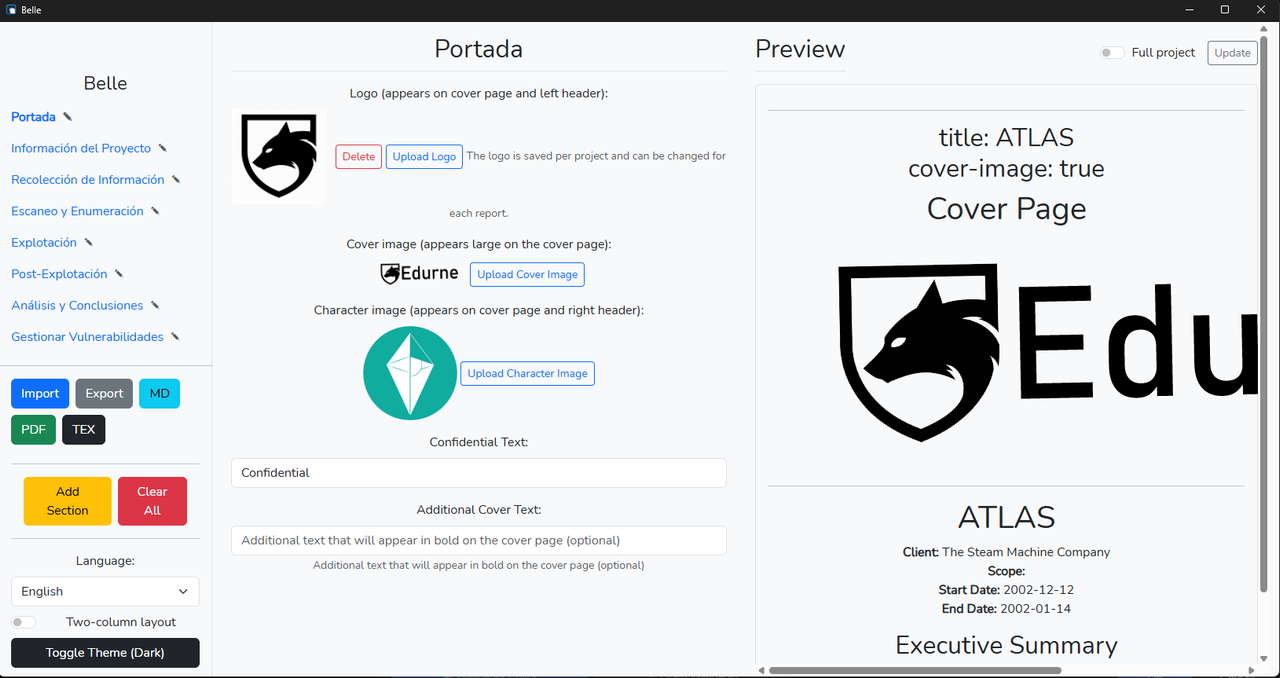
In summary: Belle is a cross-platform desktop application (Windows, Linux, and macOS) designed for the creation and management of cybersecurity reports, especially for pentesting. It allows users to structure findings, add evidence, and generate professional reports in various formats.
[!NOTE] Disclaimer: This is only a tool for creating reports.
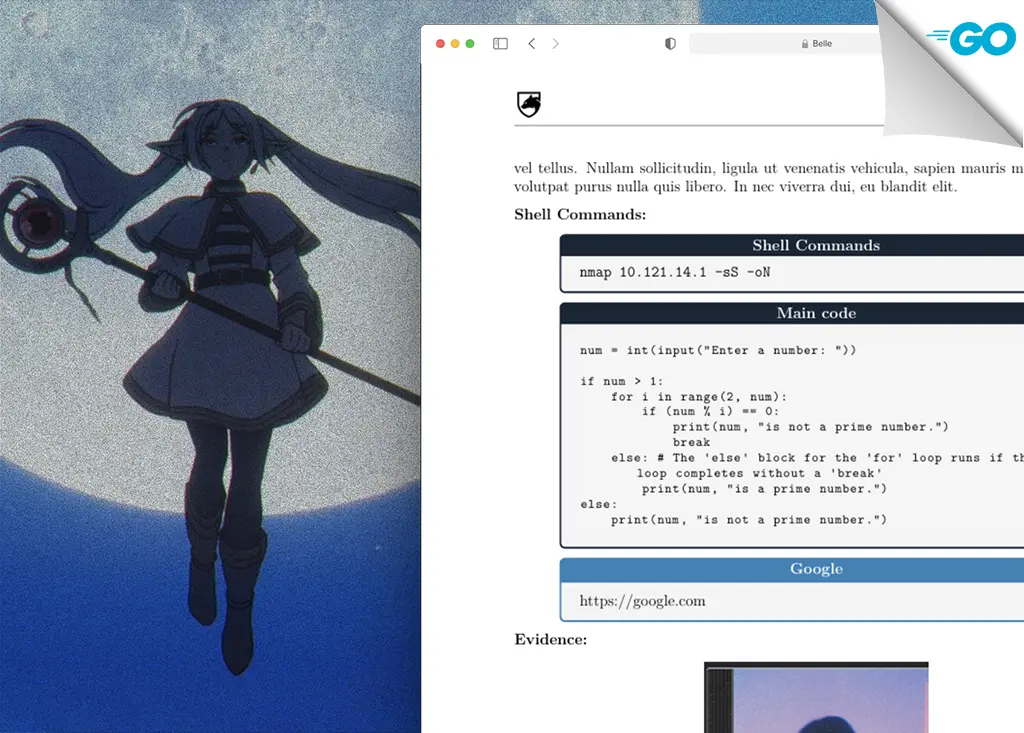
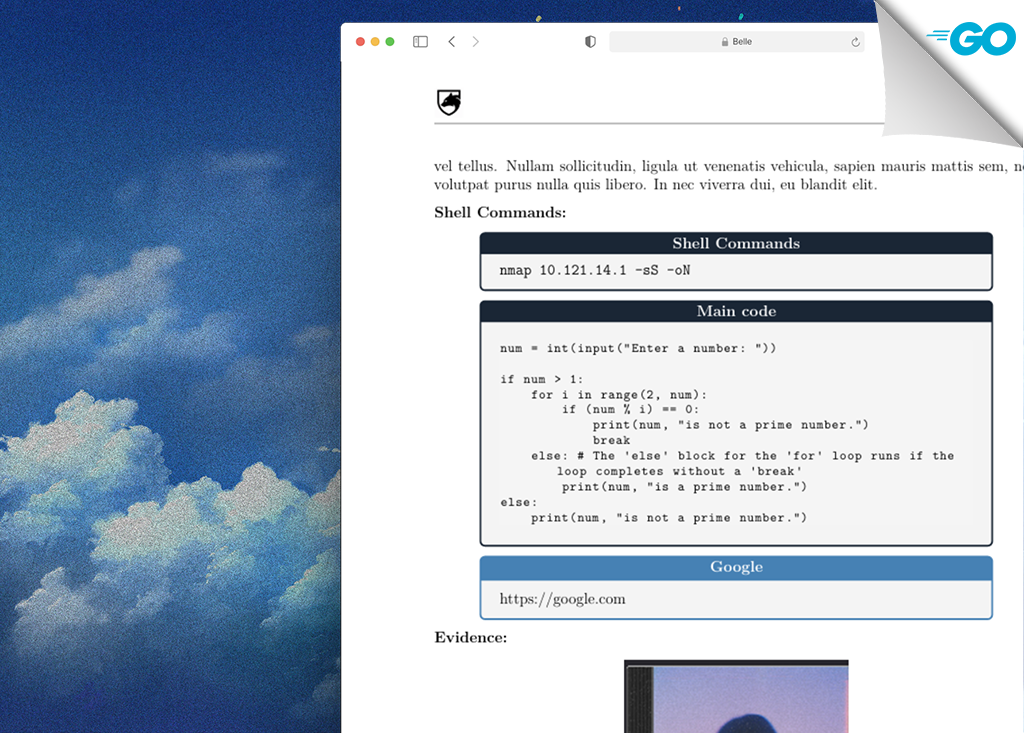
Some report examples using BELLE:
💜 Belle is cross-platform, working on Windows, Linux, and macOS.
Example: A security analyst can document vulnerabilities found during an audit, include screenshots, code snippets, and recommendations, then export the complete report to PDF or LaTeX with just a few clicks.
In detail: Belle facilitates the organization of report phases, the addition of detailed entries for each finding (with fields for severity, description, recommendations, shell commands, code snippets, URLs, and images). Its focus is on efficiency and customization, allowing for the integration of logos and export to industry-standard formats.
Version
BELLE v2.0.0
📦 Requirements
- Go v1.20+
- Node.js 16.0+ (For frontend dependency management)
- Wails CLI v2.0+ (For building and running the application)
- Pandoc (Document conversion tool, essential for PDF/LaTeX export)
- A LaTeX distribution (e.g., TeX Live or MiKTeX) (Required for high-quality PDF generation)
❓ Features
- Pentesting Report Generation: Create structured reports with phases, findings, and details.
- Integrated Markdown Editor: Allows content editing using Markdown.
- Vulnerability Management: Add, edit, and delete vulnerability entries with rich detail fields.
- Flexible Export: Export reports to PDF, LaTeX, Markdown, and a proprietary
.belleformat for easy collaboration. - Multimedia Support: Insert images, tables, code snippets, and URLs into findings.
- Visual Customization: Include client logos, cover images, and color scheme customization.
- Multi-language Support: User interface and report templates available in Spanish and English.
- LLM Integration (Optional): Assistance for drafting recommendations or improving text using Gemini, Claude, or OpenRouter.
🧑💻 Technical Characteristics
- Backend: Go (with the Wails framework for frontend integration).
- Frontend: Svelte (a reactive framework for the user interface).
- State Management: Go's Context API, Svelte stores.
- Build and Packaging: Wails and Vite.
- Document Generation: Pandoc for Markdown to LaTeX/PDF conversion.
- Image Handling: Backend processing and resizing of images.
- Persistence: Project and configuration storage in JSON files.
Structure
The BELLE project follows an organized structure:
app.go: Contains the main Go backend logic, interacting with the frontend via Wails.main.go: Entry point for the Wails application.structs.go: Defines data structures used in the project (e.g.,Vulnerability,BelleProject).frontend/: Contains all frontend code (Svelte, JavaScript, CSS).translations.json: Application translation file.- Other configuration and resource files.
💻 Installation
To install and run Belle, follow these steps:
- Clone the repository:
bash
1git clone https://github.com/aiskoa/BELLE.git 2cd BELLE 3 - Install Node.js dependencies:
bash
1npm install 2 - Compile and run the application:
Ensure you have Go, Node.js, and the Wails CLI installed.
If you encounter errors when exporting to PDF, ensure you have Pandoc and a LaTeX distribution (like TeX Live or MiKTeX) installed and configured in your PATH.bash1wails build # To build the executable 2wails dev # To run in development mode 3
Example Function
An example of how to interact with Belle's backend from the frontend is the ExportMarkdown function. This function takes project data and exports it to a Markdown file.
go1func (a *App) ExportMarkdown(projectData string) (string, error) { 2 // Prevent race conditions for Markdown export 3 a.exportMDMutex.Lock() 4 defer a.exportMDMutex.Unlock() 5 6 runtime.EventsEmit(a.ctx, "export-progress", map[string]interface{}{"type": "markdown", "stage": "start", "percent": 5}) 7 var project BelleProject 8 err := json.Unmarshal([]byte(projectData), &project) 9 if err != nil { 10 runtime.MessageDialog(a.ctx, runtime.MessageDialogOptions{ 11 Type: runtime.ErrorDialog, 12 Title: "Error", 13 Message: "Could not parse project data for Markdown: " + err.Error(), 14 }) 15 return "", err 16 } 17 18 runtime.EventsEmit(a.ctx, "export-progress", map[string]interface{}{"type": "markdown", "stage": "generating content", "percent": 40}) 19 md, err := a.GenerateMarkdown(project, nil) // Calls an internal function to generate Markdown content 20 if err != nil { 21 runtime.MessageDialog(a.ctx, runtime.MessageDialogOptions{ 22 Type: runtime.ErrorDialog, 23 Title: "Error", 24 Message: "Could not generate Markdown: " + err.Error(), 25 }) 26 return "", err 27 } 28 29 // Opens a dialog for the user to save the file 30 filePath, err := runtime.SaveFileDialog(a.ctx, runtime.SaveDialogOptions{ 31 Title: "Export to Markdown", 32 DefaultFilename: "report.md", 33 Filters: []runtime.FileFilter{ 34 {DisplayName: "Markdown (*.md)", Pattern: "*.md"}, 35 }, 36 }) 37 if err != nil { 38 return "", err 39 } 40 if filePath == "" { 41 return "", nil // User canceled 42 } 43 44 runtime.EventsEmit(a.ctx, "export-progress", map[string]interface{}{"type": "markdown", "stage": "saving file", "percent": 80}) 45 err = os.WriteFile(filePath, []byte(md), 0644) // Writes the content to the file 46 if err != nil { 47 return "", err 48 } 49 50 runtime.EventsEmit(a.ctx, "export-progress", map[string]interface{}{"type": "markdown", "stage": "finished", "percent": 100}) 51 runtime.MessageDialog(a.ctx, runtime.MessageDialogOptions{ 52 Type: runtime.InfoDialog, 53 Title: "Success", 54 Message: "Markdown report exported successfully.", 55 }) 56 return "ok", nil 57} 58
Make sure you have the latest version of Wails, Node and Go installed on your computer.
ATTENTION!!
If you just want to use it, you can download it from github or from the official site according to your system.
From Official Site: ⬇ Download Belle
TODO List
- LLM
- Password Lock PDF
- Better UI
- Templetes
🤝 Contributing
Contributions, issues and feature requests are welcome! Feel free to check issues page.
❤️ Show your support
Give a ⭐️ if this project helped you!